“Mastering Video Editing: Essential Techniques, Tools, and Pro Tips for Stunning Visuals ”
“Mastering Video Editing: Essential Techniques, Tools, and Pro Tips for Stunning Visuals 🎬✨”
Introduction 🎥
Video editing is a powerful skill that allows you to transform raw footage into captivating stories. Whether you’re an aspiring filmmaker, a content creator, or someone who just wants to make home videos look professional, mastering video editing can take your work to the next level. In this guide, we will explore the fundamentals of video editing, essential tools, techniques, and advanced tips to make your videos stand out! 🚀
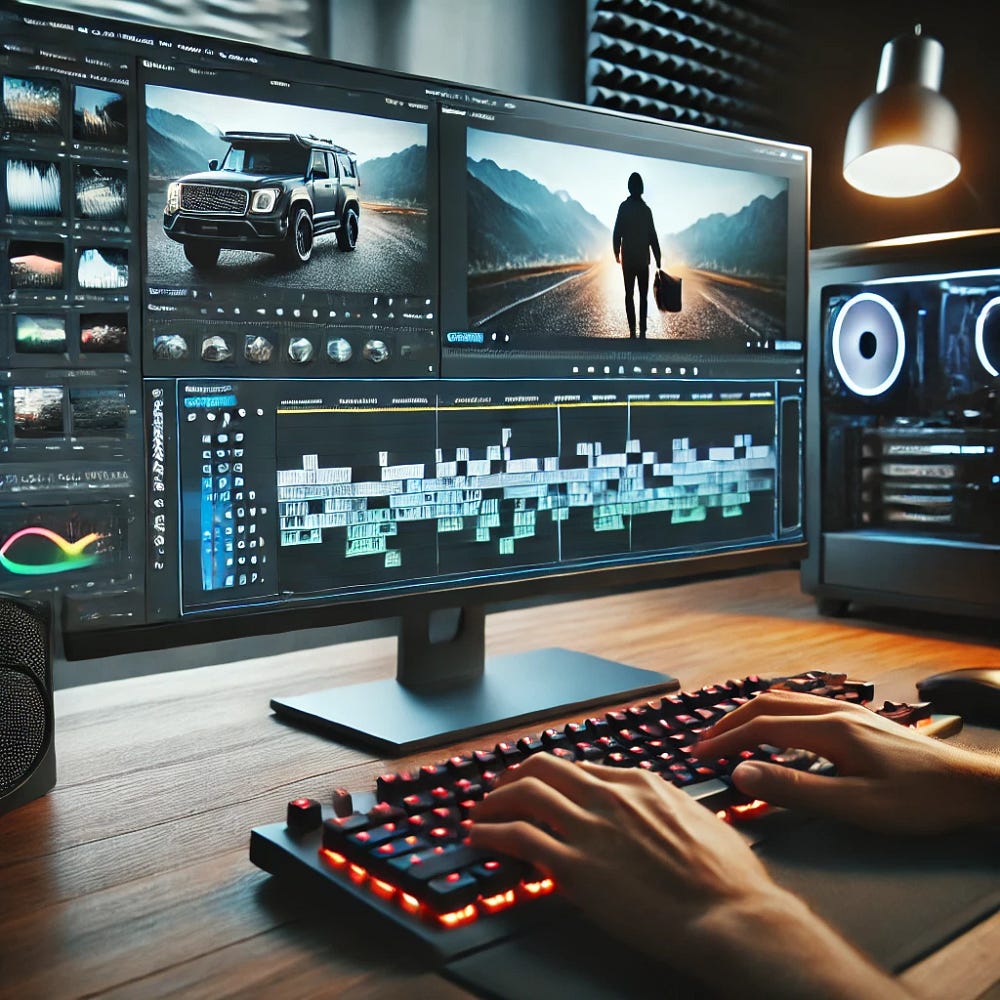
Create A Best Video:- Budget Friendly Solution
Understanding the Basics of Video Editing 📹
Before diving into advanced techniques, it’s crucial to understand the basics of video editing. Video editing is the process of manipulating and arranging video clips to create a cohesive and engaging final product. Here are some fundamental concepts:
1. Cutting and Trimming ✂️
One of the first steps in video editing is cutting and trimming clips. This helps remove unnecessary parts and ensures that the video flows smoothly.
2. Transitions and Effects 🔄✨
Transitions help move from one scene to another seamlessly. Popular transitions include fades, dissolves, and wipes. Effects can enhance the video’s visual appeal by adding filters, slow motion, or color grading.
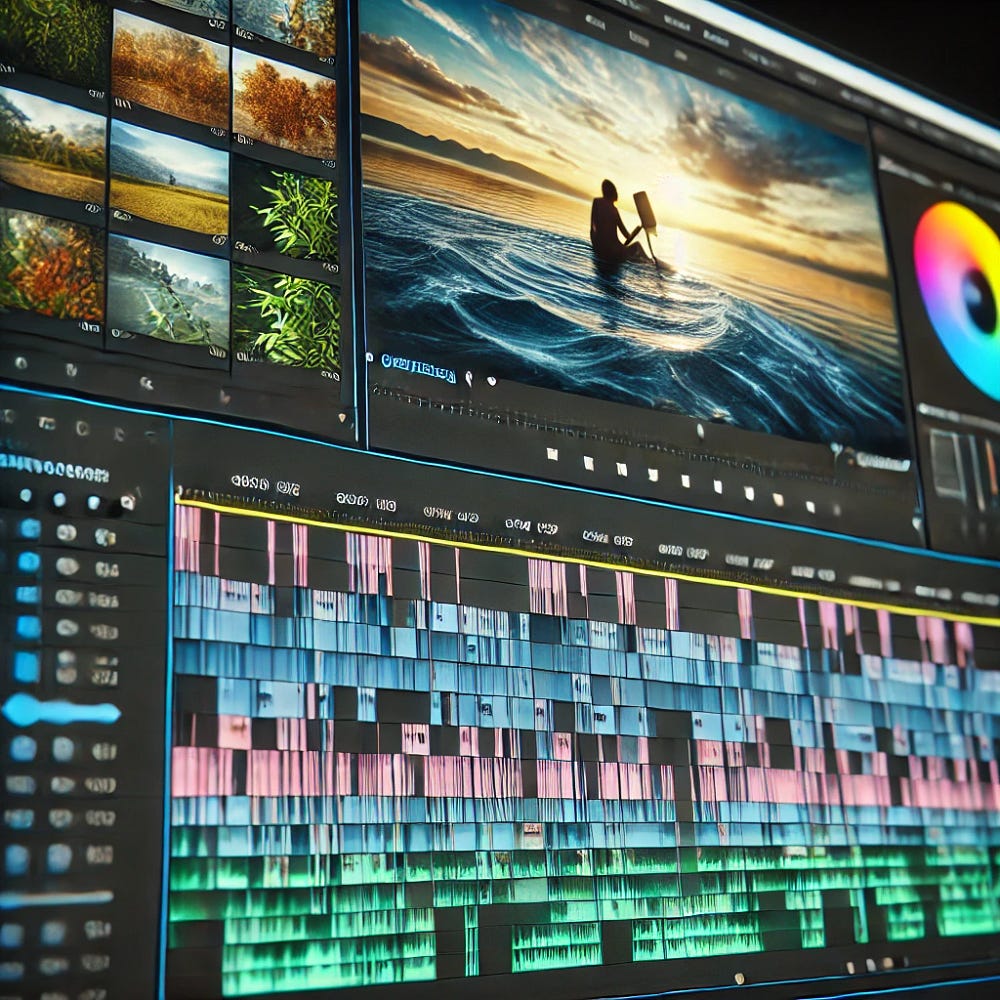
Create A Best Video:- Budget Friendly Solution
3. Audio Editing 🎶🎙️
Sound is just as important as visuals! Properly balancing background music, voiceovers, and sound effects can elevate the storytelling.
4. Text and Graphics 📜🎨
Adding text and graphics can provide additional context, subtitles, or branding elements to the video.
Best Video Editing Software 💻
There are various video editing tools available for different skill levels and budgets. Here are some of the best options:
Beginner-Friendly Tools 🏆
- iMovie (Mac) — Simple yet powerful for basic editing.
- Shotcut — Free and open-source software for beginners.
- Filmora — Intuitive interface with drag-and-drop features.
Create A Best Video:- Budget Friendly Solution
Intermediate-Level Software 🎯
- Adobe Premiere Elements — A lighter version of Adobe Premiere Pro.
- DaVinci Resolve — Great for color grading and visual effects.
- Camtasia — Ideal for creating tutorials and presentations.

Professional Software 🎥🔥
- Adobe Premiere Pro — Industry-standard software used in Hollywood.
- Final Cut Pro (Mac) — A favorite among professional editors.
- Avid Media Composer — Used for major film and TV productions.
Create A Best Video:- Budget Friendly Solution
Essential Techniques to Master Video Editing 🏆
1. Storytelling Through Editing 📖
Editing is more than just cutting clips — it’s about telling a compelling story. Arrange clips in a way that maintains the viewer’s interest.
2. Color Grading and Correction 🎨
Color grading enhances the mood and tone of the video. Software like DaVinci Resolve excels in color correction.
3. Motion Graphics and Animations 🏃♂️
Adding motion graphics can make your videos more dynamic. Tools like After Effects help create stunning animations.
4. Mastering Transitions 🔄
Use smooth transitions instead of abrupt cuts to maintain flow.
5. Optimizing Audio Levels 🎧
Ensure dialogue, background music, and sound effects are balanced. Use tools like Audacity or Adobe Audition for better audio quality.
Create A Best Video:- Budget Friendly Solution
Advanced Editing Tricks 🎬💡
1. Green Screen Effects 🟩🔄
Chroma keying allows you to replace backgrounds. This is commonly used in news broadcasts and Hollywood films.
2. Speed Ramping ⏩⏪
This technique involves speeding up or slowing down clips to add dramatic effect.
3. Split-Screen and Picture-in-Picture 🖼️🎞️
Displaying multiple clips simultaneously enhances storytelling.
4. Cinematic LUTs and Presets 🎞️🎨
LUTs (Look-Up Tables) help achieve a professional color tone with one click.
Exporting and Sharing Your Video 🌍📢
After editing, it’s time to export and share your masterpiece. Keep these factors in mind:
- Choose the right format (MP4 is widely supported).
- Optimize for different platforms (YouTube, Instagram, TikTok).
- Use high-resolution settings (1080p or 4K for best quality).

Create A Best Video:- Budget Friendly Solution
Conclusion 🎬🌟
Video editing is an art that requires patience and practice. By mastering the right tools and techniques, you can create professional-quality videos that captivate your audience. Whether you’re a beginner or an experienced editor, always strive to improve and experiment with new styles. Happy editing! 🎥✨
Comments
Post a Comment